
Finance Tracker
A quiet, private expense tracker for Android. Everything stays on your phone.
Download for Android (.apk)Simple on purpose.
Where the month went.
Only the amount
Type a number and save. Category, bank, place and date are all optional, and the date defaults to today.
Category and bank
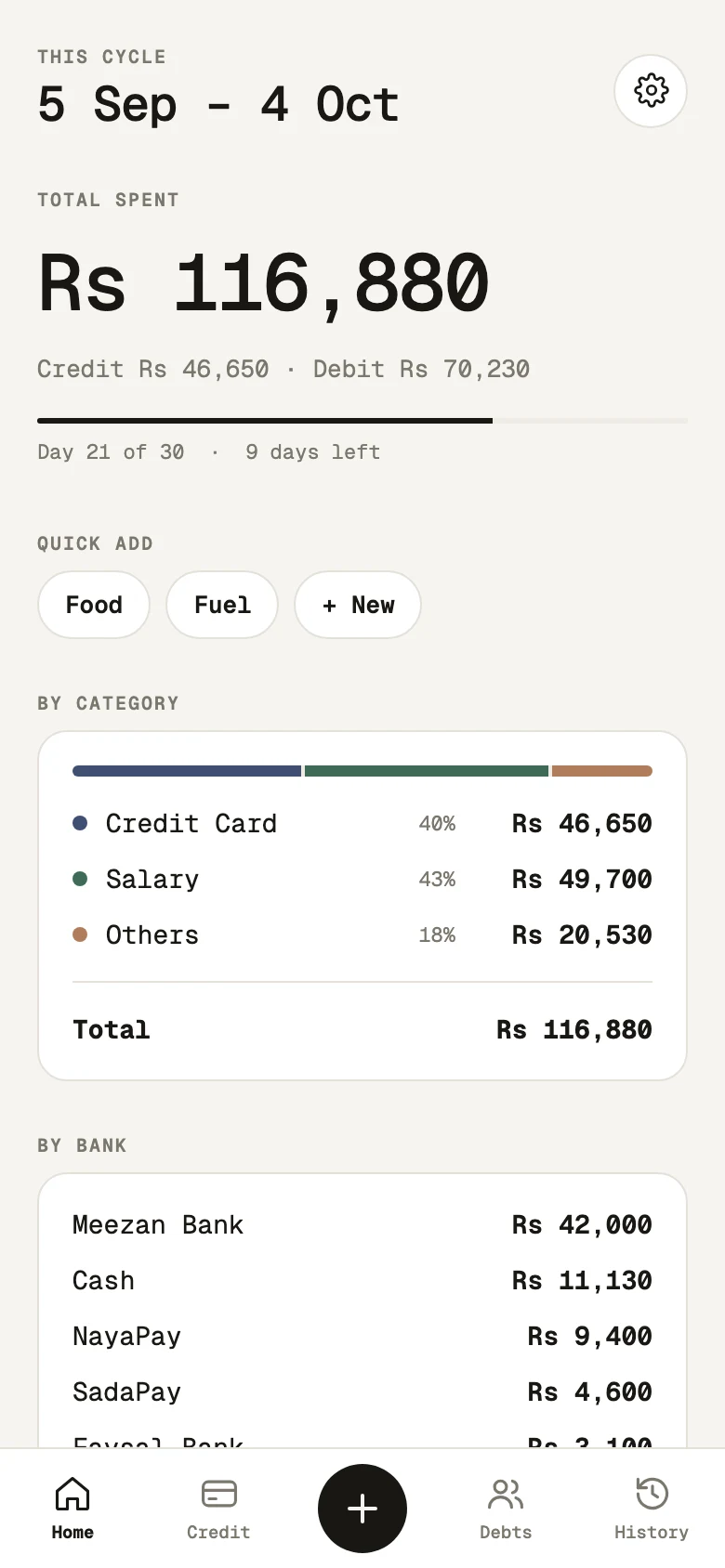
See spending by kind (Credit Card, Salary, Others) and by the bank or wallet it came from.
Credit card, clearly
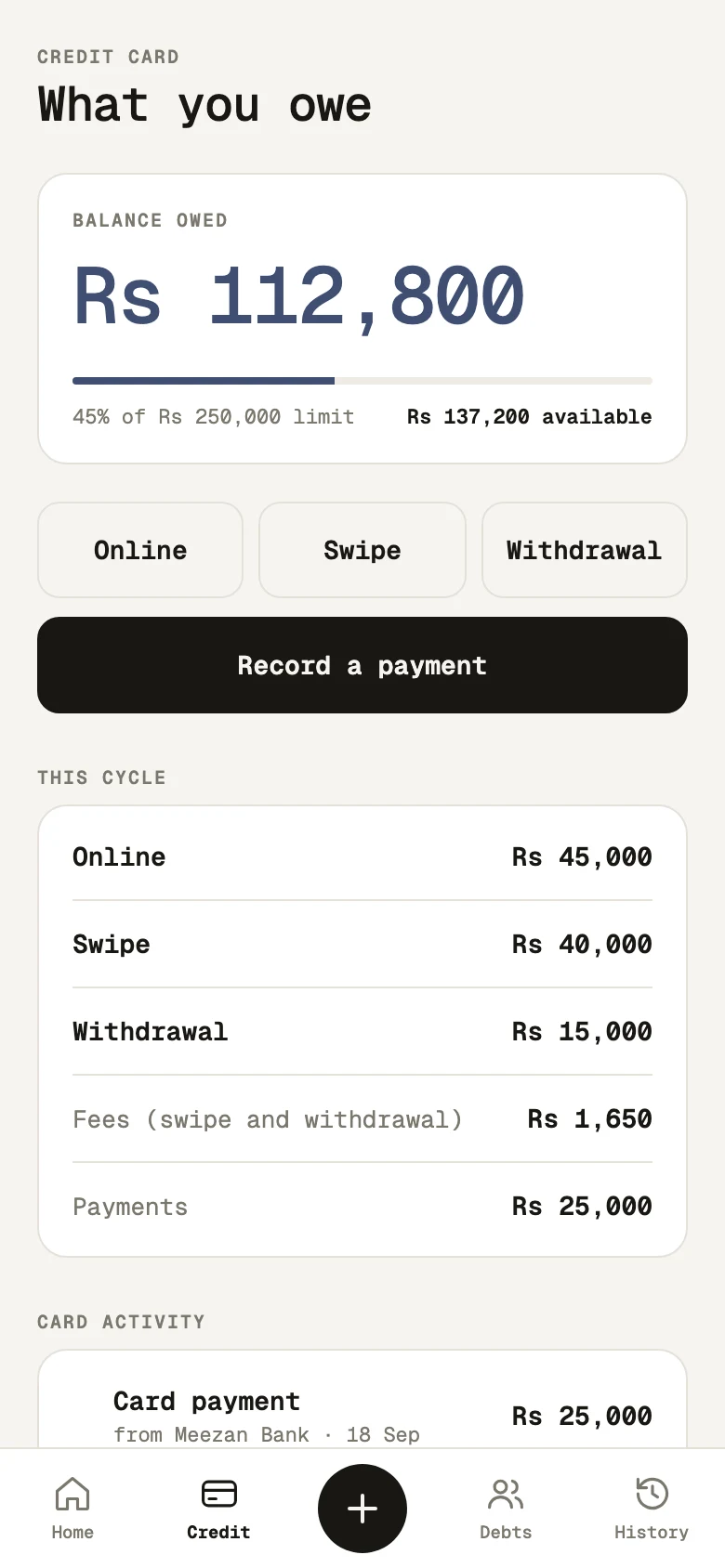
What you owe against your limit, with online purchases, swipes, withdrawals and payments tracked separately.
Quick add
Food, Fuel, or your own shortcuts: tap one, type the amount, done.
Everything, filterable
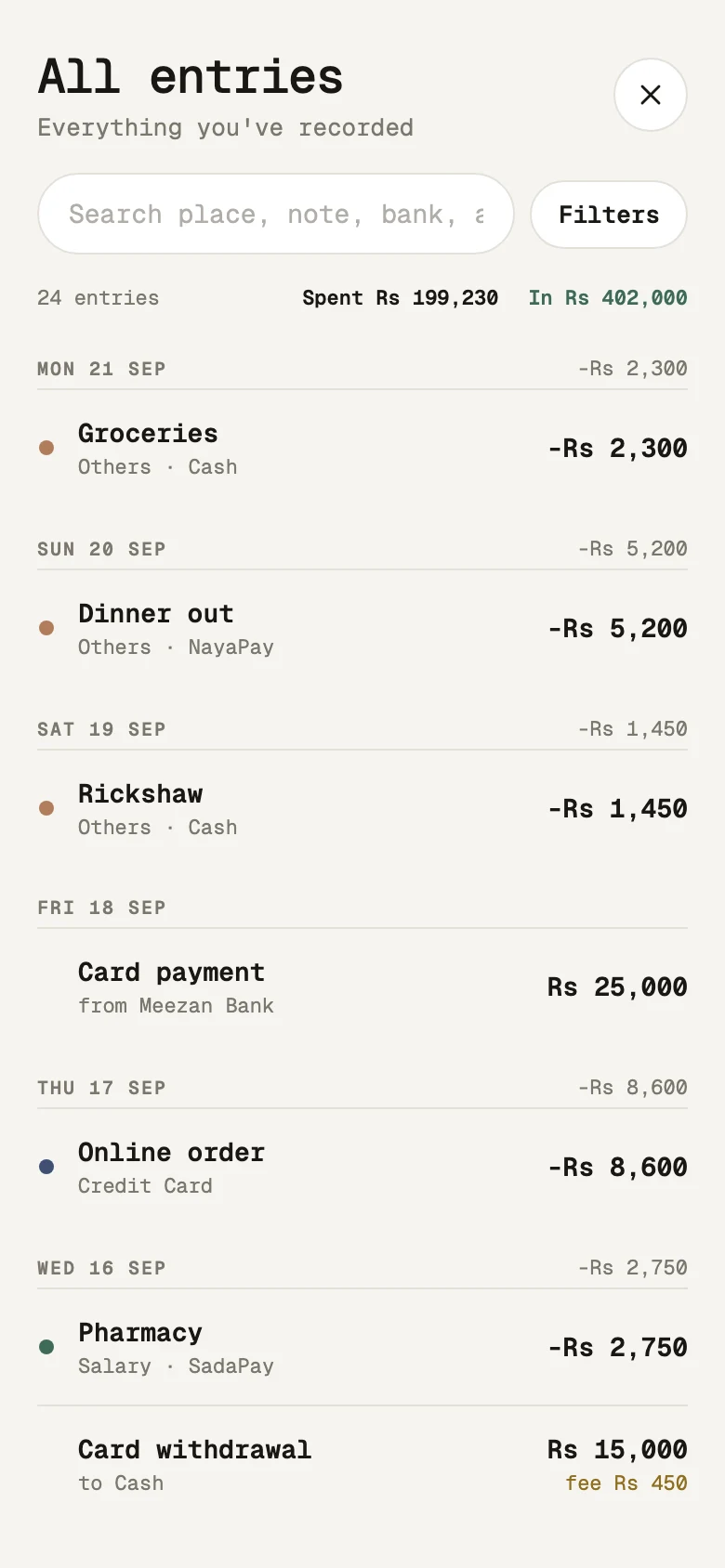
Every entry in one list, grouped by day. Filter by type, period, category or bank, and search.
Debts and reports
Who owes you and whom you owe. Monthly reports as tables, exportable as CSV.
Private by design
Your data lives on your phone only. Back it up to a file whenever you like.
Light and dark
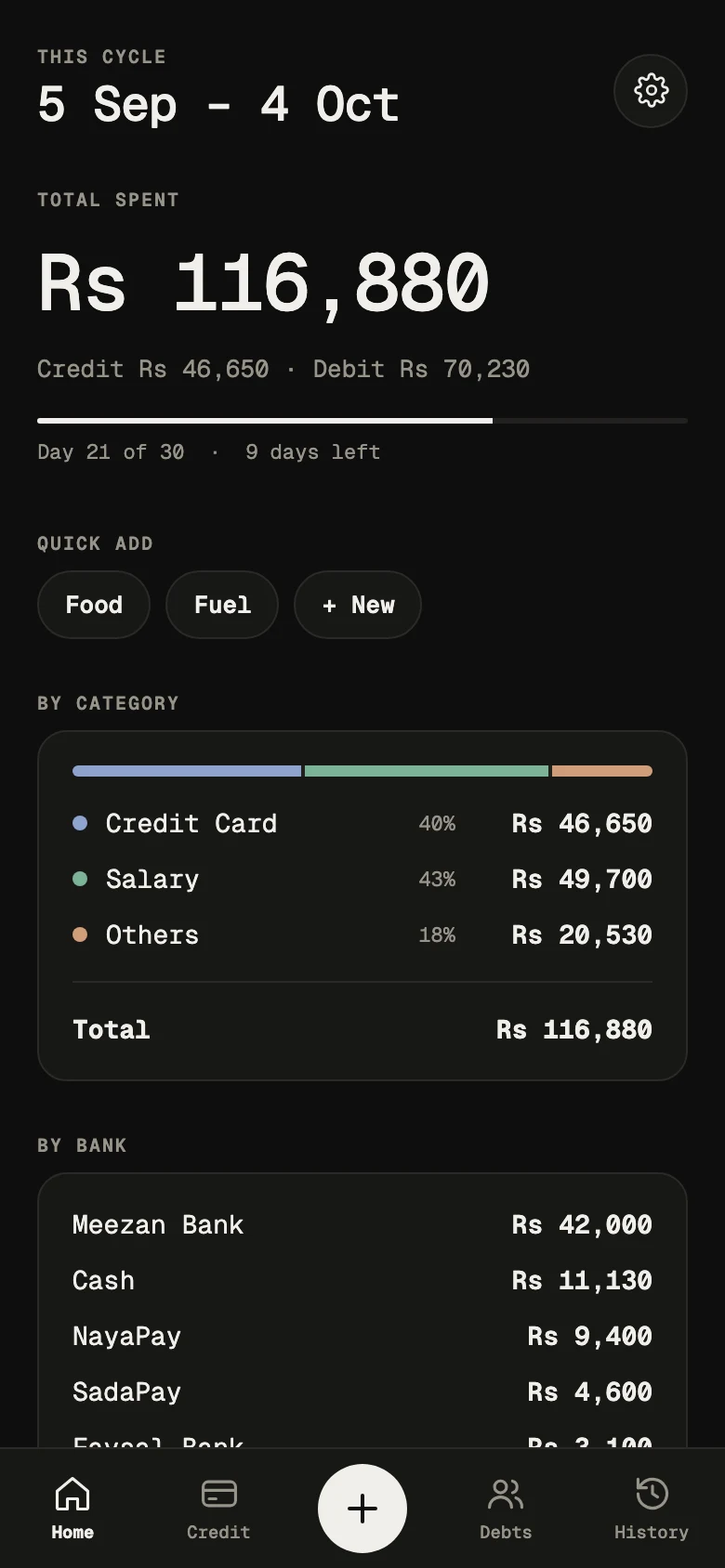
Follows your phone, or pick one. Three typefaces to choose from.
Three steps.
- Tap Download for Android above on your phone.
- Open the downloaded file. If Android asks, allow Install unknown apps for your browser.
- Open Finance Tracker and add your first entry.
It isn't on the Play Store, so Android shows a standard warning for apps installed from a file. To update, install the newer APK over the old one: your data is kept. To move to a new phone, use Settings, Export backup.